Test Management Tools That Scale
Comprehensive test management tools for UAT, QA, regression testing, and more. From test planning to execution and reporting, all in one platform. Explore all features.
What Makes Great Test Management Tools?
Not all test management tools are created equal. Here's what separates the best from the rest.
Intuitive Interface
Test management tools should be easy to learn. Your team should spend time testing, not learning complex software.
Complete Traceability
Track every test from requirements to execution. Know exactly which features have been tested and which haven't.
Real-Time Collaboration
Modern test management tools enable teams to work together seamlessly. No more version control nightmares.
Powerful Reporting
Generate insights at the click of a button. Stakeholders need clear visibility into testing progress.
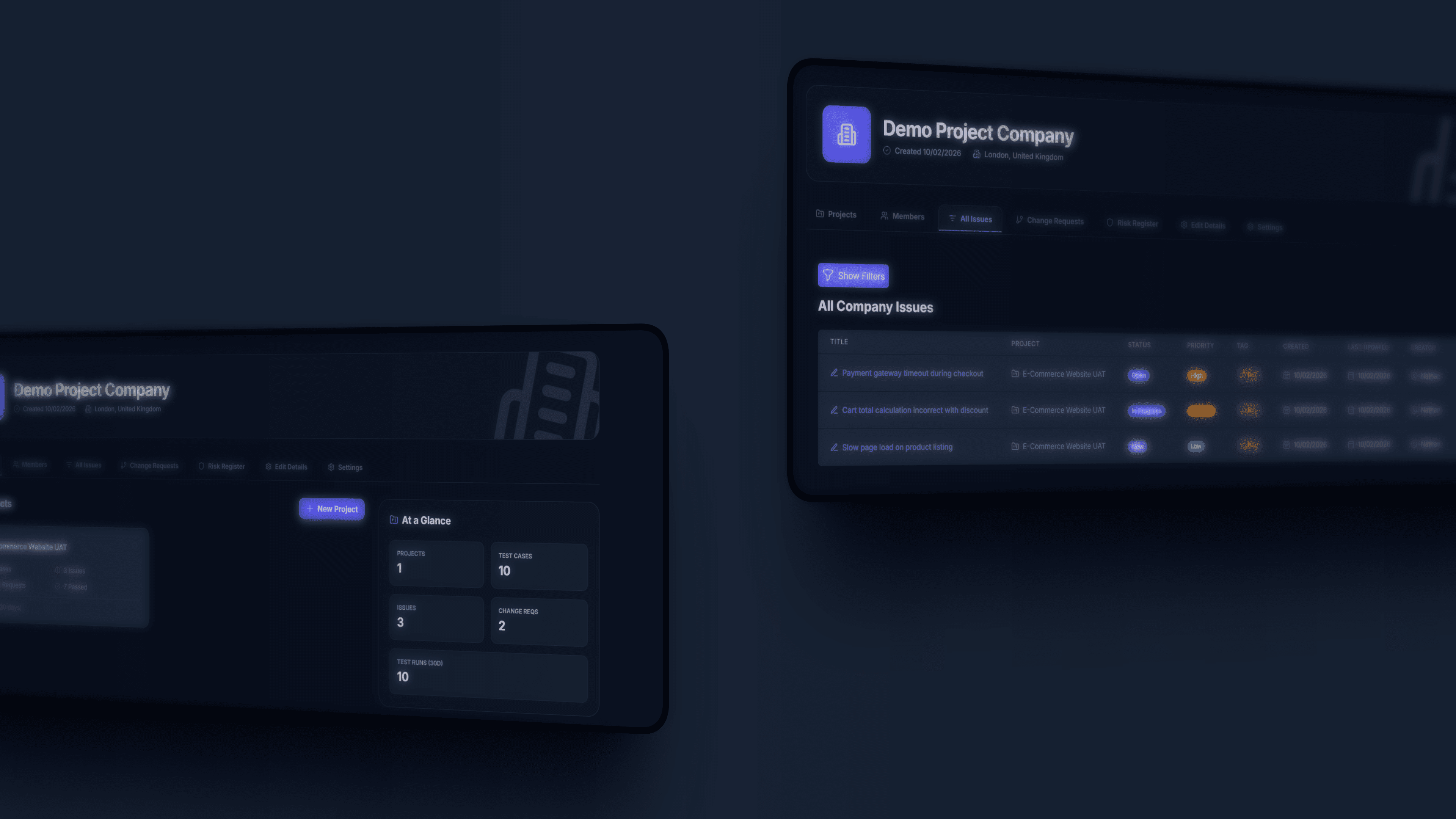
Complete Test Management Suite
Everything you need to manage your testing lifecycle from start to finish
Test Planning
Plan comprehensive test cycles with our test management tools. Define scope, assign resources, set timelines.
Test Case Library
Build and maintain a centralized repository of test cases. Reuse across projects and maintain consistency.
Test Execution
Execute tests efficiently with step-by-step guidance. Record results, add evidence, log defects instantly.
Defect Management
Track defects from discovery to resolution. Prioritize by severity, assign owners, monitor progress.
Advanced Analytics
Real-time dashboards and custom reports. Track test coverage, execution rates, defect density, and more.
Why Teams Choose LogicHive
See how LogicHive test management tools compare to traditional approaches
Without Test Management Tools
- Test cases scattered across Excel spreadsheets
- No visibility into testing progress
- Hours spent creating reports manually
- Defects tracked in email threads
- Lost test results and documentation
- Failed audits due to poor traceability
With LogicHive Tools
- Centralized test case repository with version control
- Real-time dashboards showing testing progress
- One-click report generation for stakeholders
- Integrated defect tracking with full lifecycle
- Complete audit trail and compliance documentation
- Full requirements traceability matrix
Ship Faster, Ship Smarter
Benefits you'll see immediately
Faster UAT Cycles
Structured testing and clear workflows reduce UAT time from weeks to days
Fewer Production Bugs
Comprehensive testing catches issues before they reach production
Less Rework
Clear acceptance criteria and proper testing eliminate costly rebuilds
Testing Best Practices
Master the art of effective software testing
How to Write Effective Test Cases
Master the art of writing clear, comprehensive test cases that catch bugs and ensure quality. Includes templates, examples, and expert tips.
Complete Guide to User Acceptance Testing
Everything you need to know about UAT - from planning and preparation to execution and sign-off. Learn best practices and common pitfalls.
UAT vs QA: What's the Difference?
Understand the critical differences between UAT and QA testing. Learn when to use each approach and how they work together.
Free Resources
Get started with our free tools and templates
Frequently Asked Questions
Common questions about test management tools
What are test management tools?
Test management tools are software applications that help teams plan, organize, execute, and track software testing activities. They provide features like test case management, test execution tracking, defect management, reporting, and traceability to requirements. These tools replace manual spreadsheet-based testing with centralized, collaborative platforms.
Why do I need test management tools instead of Excel?
Excel spreadsheets lack version control, real-time collaboration, traceability, and automated reporting that modern testing requires. Test management tools provide centralized repositories, audit trails, instant status visibility, and generate stakeholder reports automatically. Teams using proper tools report 60% faster test cycles and 85% fewer production bugs.
What features should test management tools have?
Essential features include test case creation and organization, test execution with pass/fail tracking, defect/bug tracking, requirements traceability, real-time reporting dashboards, team collaboration, role-based access control, and import/export capabilities. Advanced features include risk registers, change request management, and API integrations.
How do test management tools improve software quality?
Test management tools improve quality by ensuring complete test coverage through traceability matrices, preventing test cases from being missed or duplicated, providing visibility into testing progress, enabling faster defect identification and resolution, and creating audit trails for compliance.
Is LogicHive suitable for small teams?
Yes, LogicHive is designed for teams of all sizes. Small teams benefit from the intuitive interface that requires no training, affordable pricing, and ability to get started immediately. The platform scales as your team grows, with enterprise features available when needed.
Upgrade Your Test Management Today
Join hundreds of testing teams using LogicHive test management tools to ship better software faster. Start your free trial today.
14-day free trial • No credit card required • Full access to all features